Step 1: Google One plans
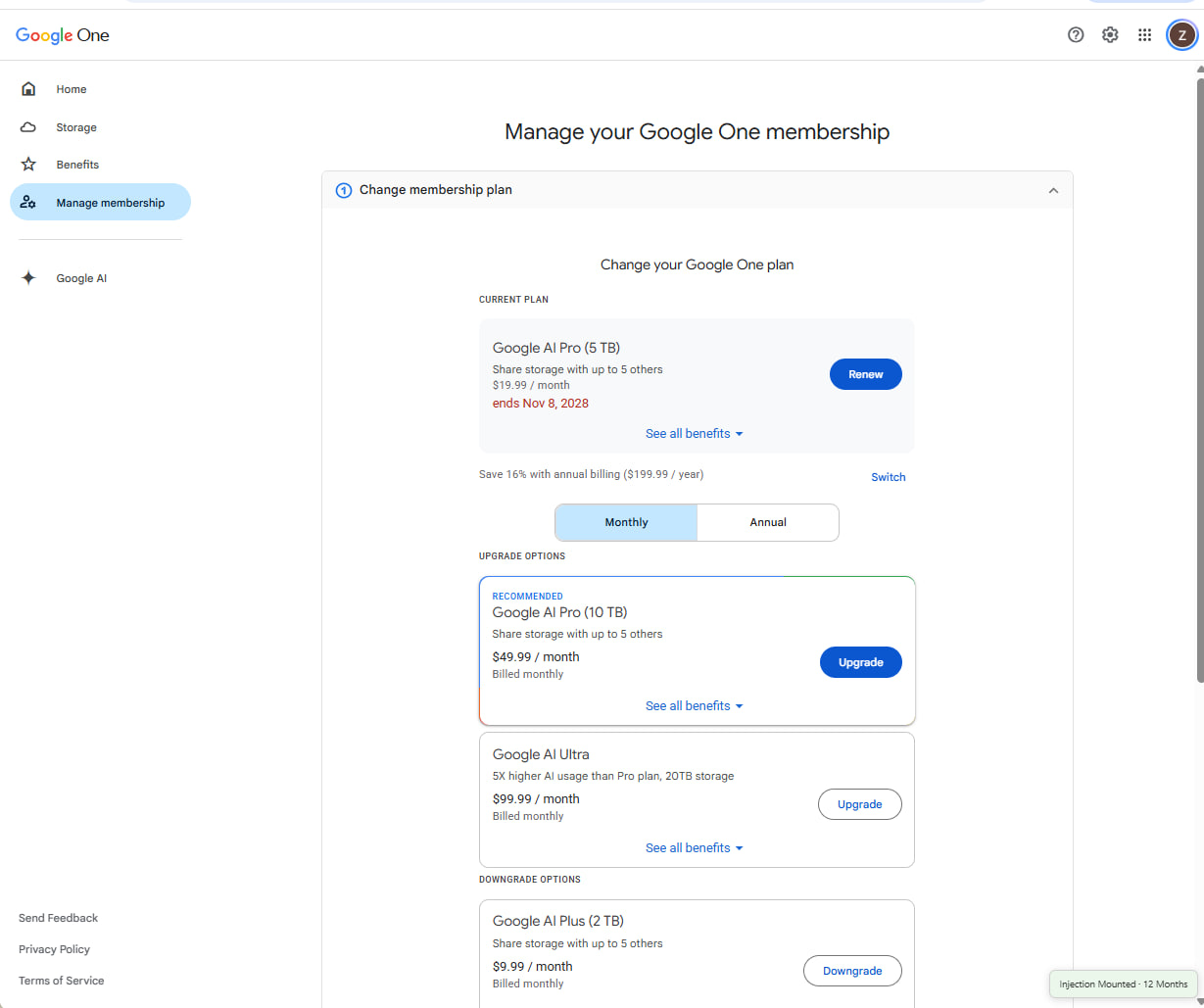
Go to one.google.com using your web browser and sign in with your Google account.
Click Settings on the left menu, then click Change membership plan.
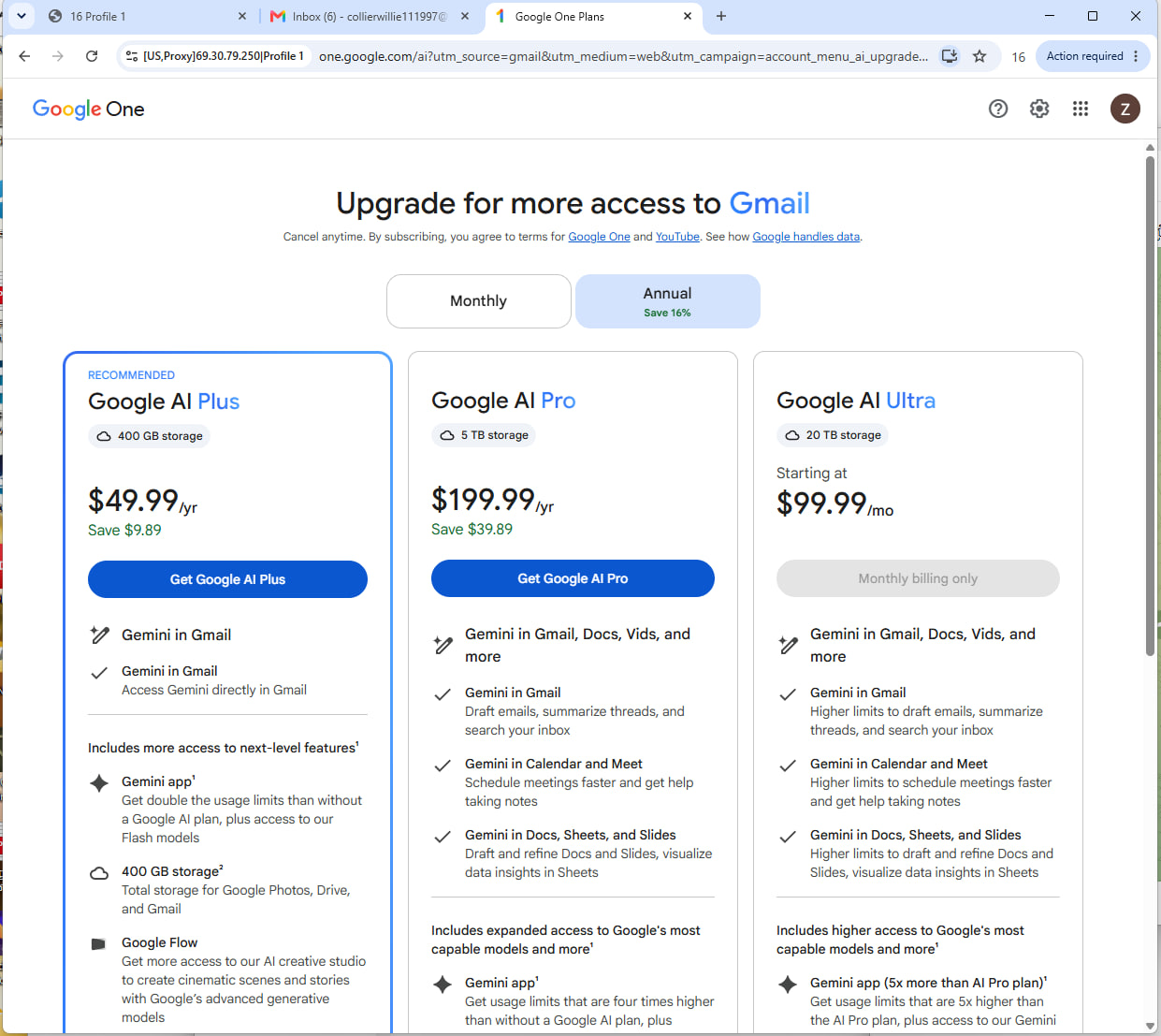
Go to one.google.com using your web browser and sign in with your Google account.
Click Settings on the left menu, then click Change membership plan.
Go to Telegram channel and download the extension and unpacked folder
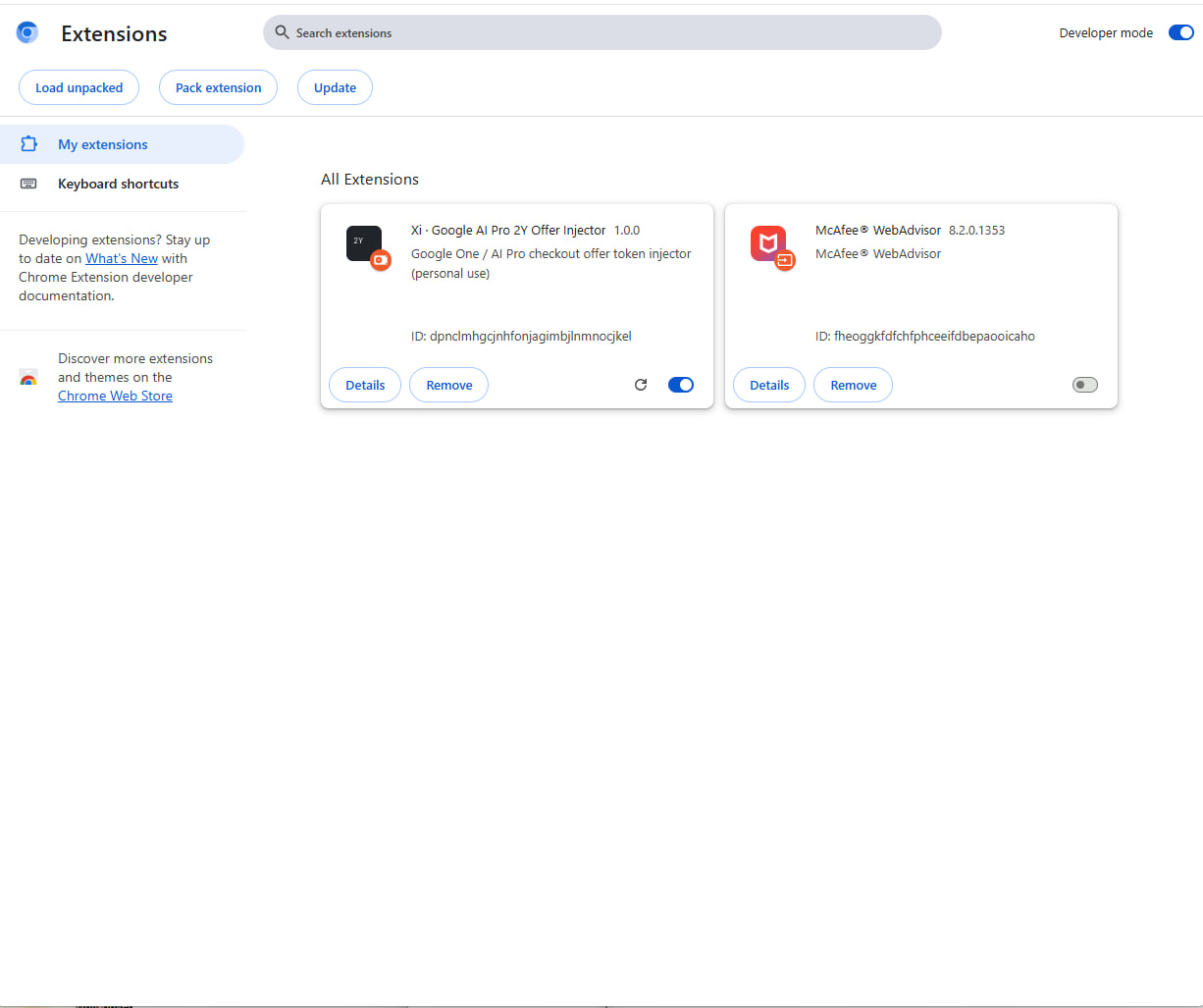
Look at the top-right corner of the Extensions page and toggle on the Developer mode switch .
Open Google Chrome, type chrome://extensions/ in the address bar, and press Enter (or click the three-dot menu - Extensions - Manage Extensions).
Drag and Drop the Extension
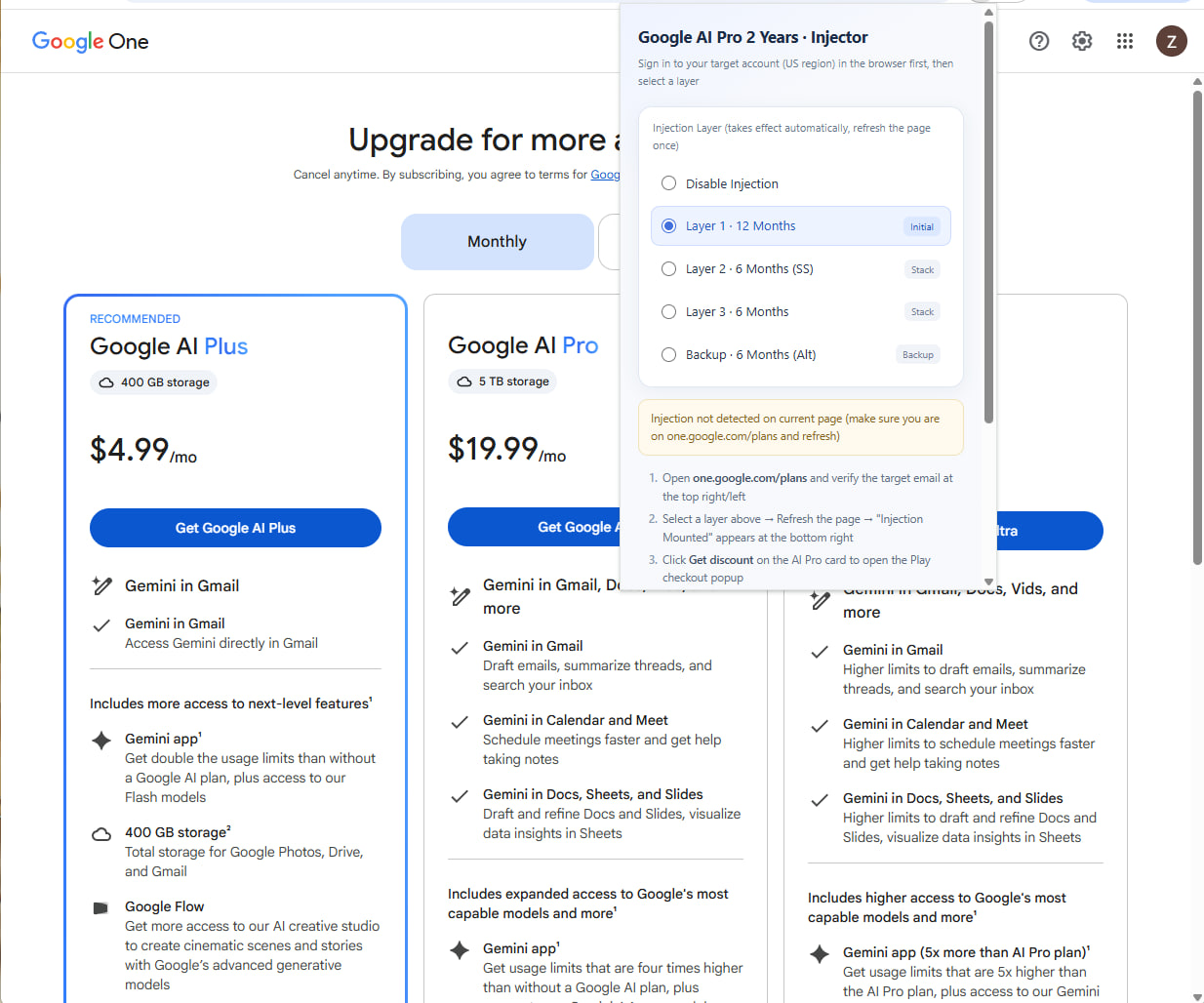
Open the Extension Panel
Select Layer 1 (12 Months)
Refresh the Page (12 Months)
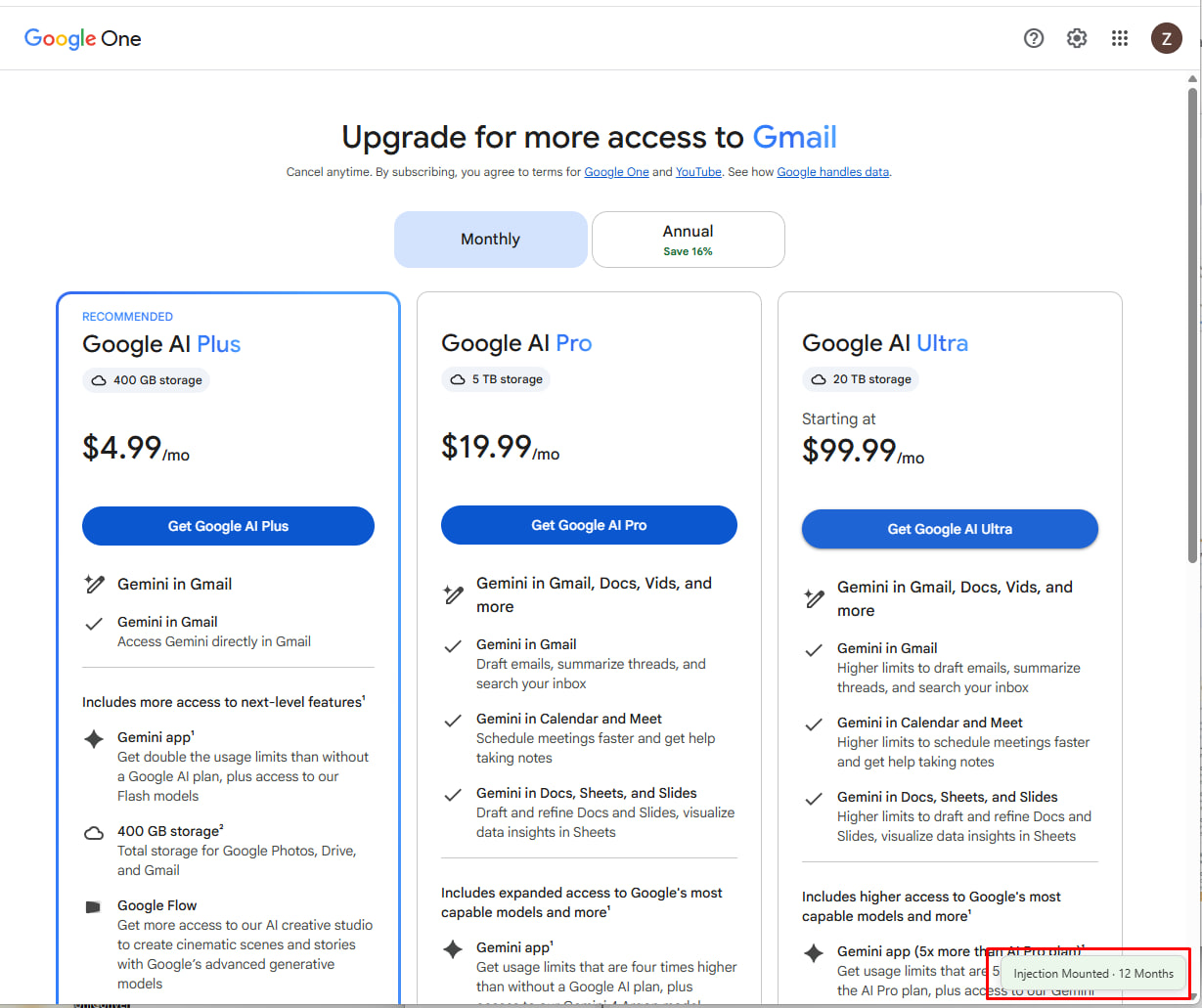
Seeing the "Injection Mounted · 12 Months" and click Click the Get Google AI Pro
Select "Add card" Make sure Fill US Billing address use this 97201 ZIP code
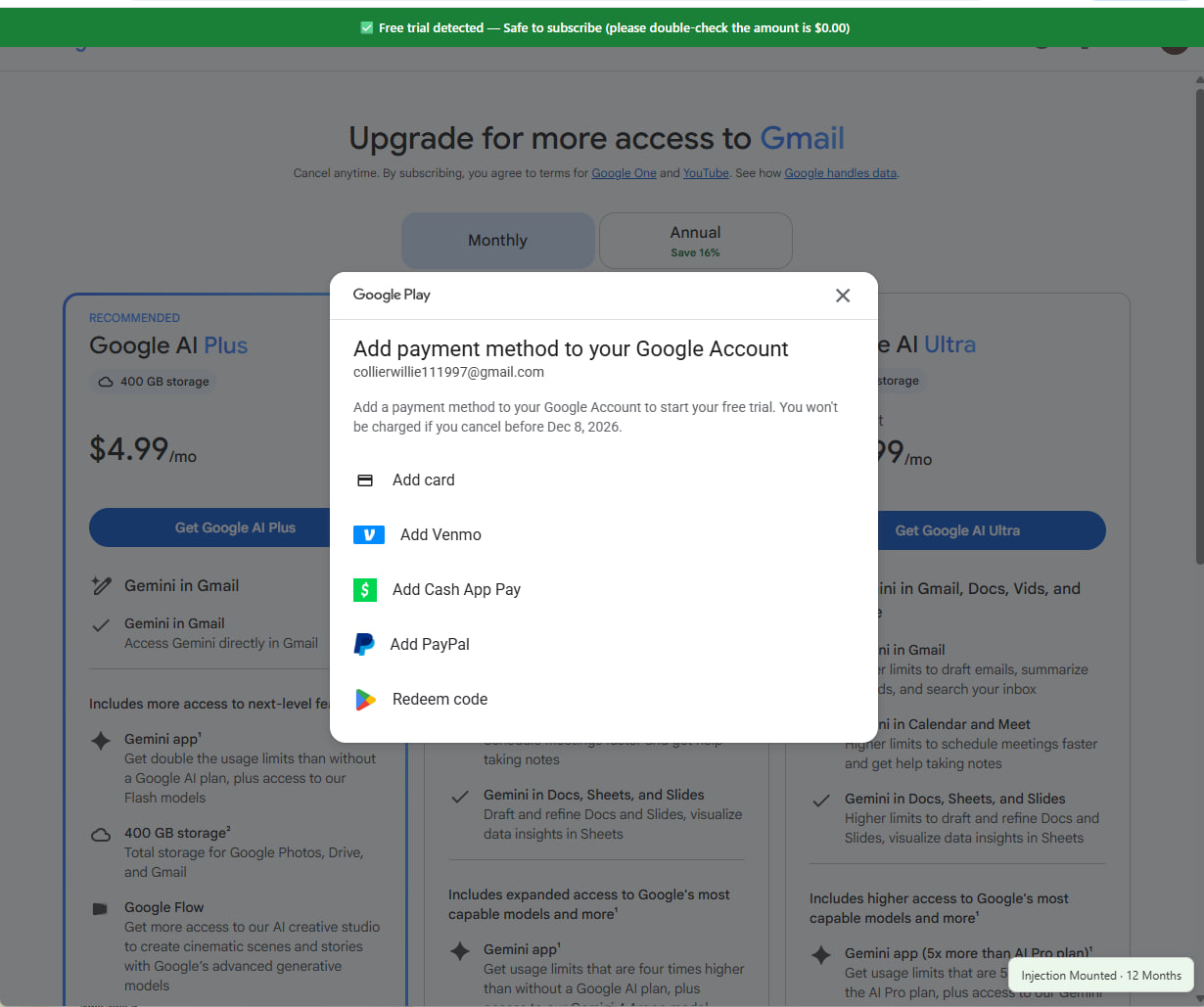
After adding your card, the checkout will show the Google AI Pro cost as $0.00. Then, you can complete your checkout
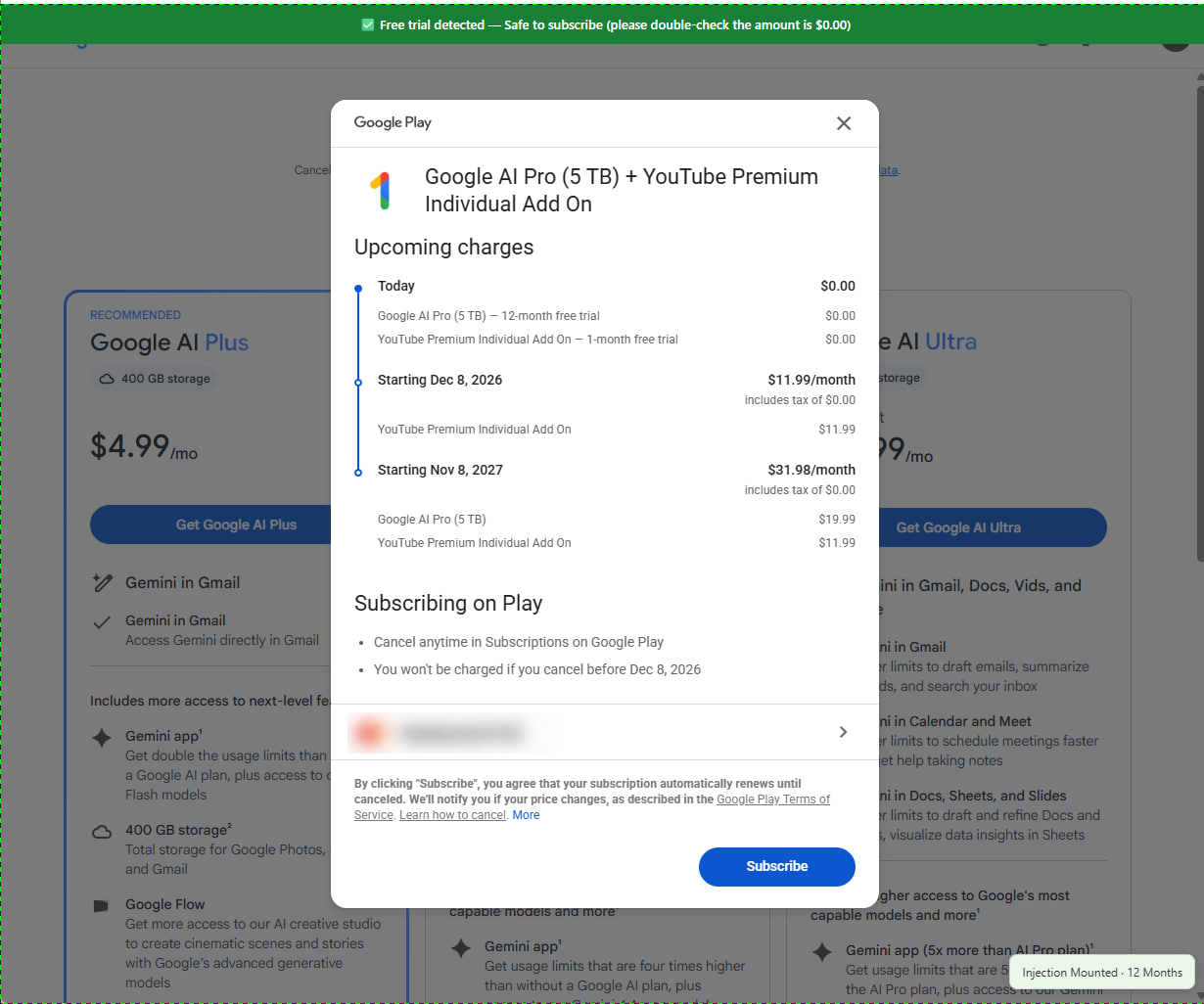
Can repeat from Step 3 to get 24months
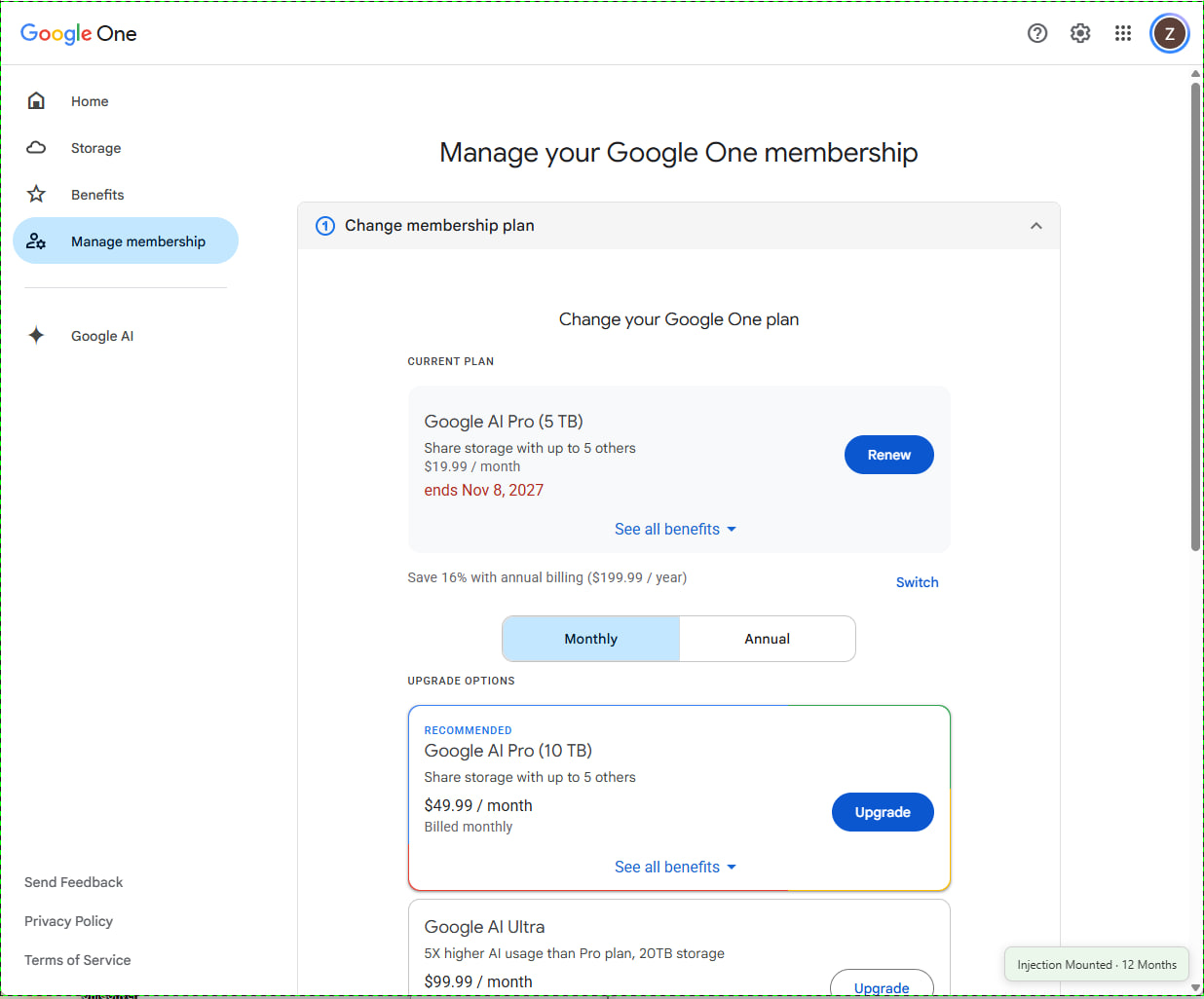
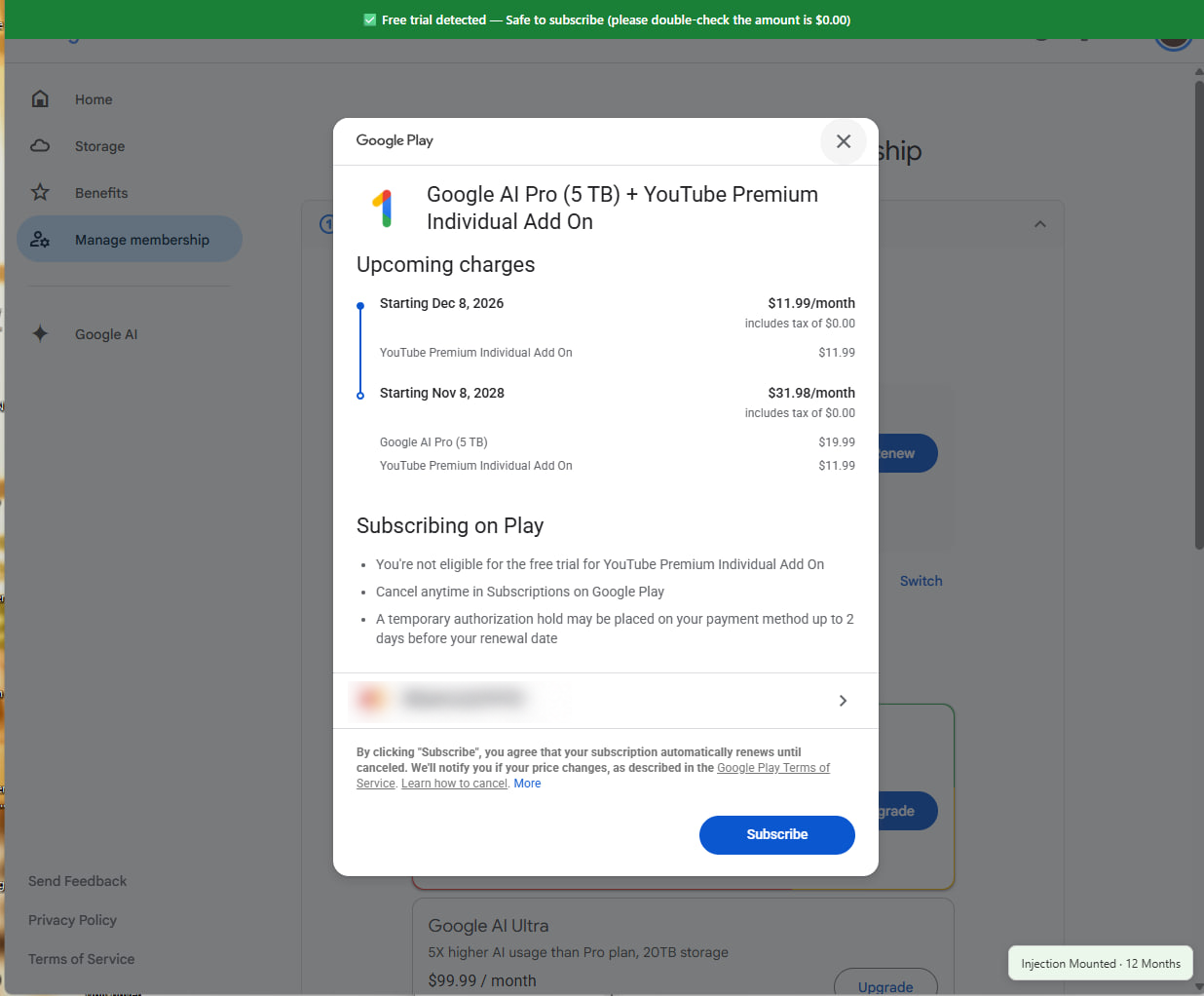
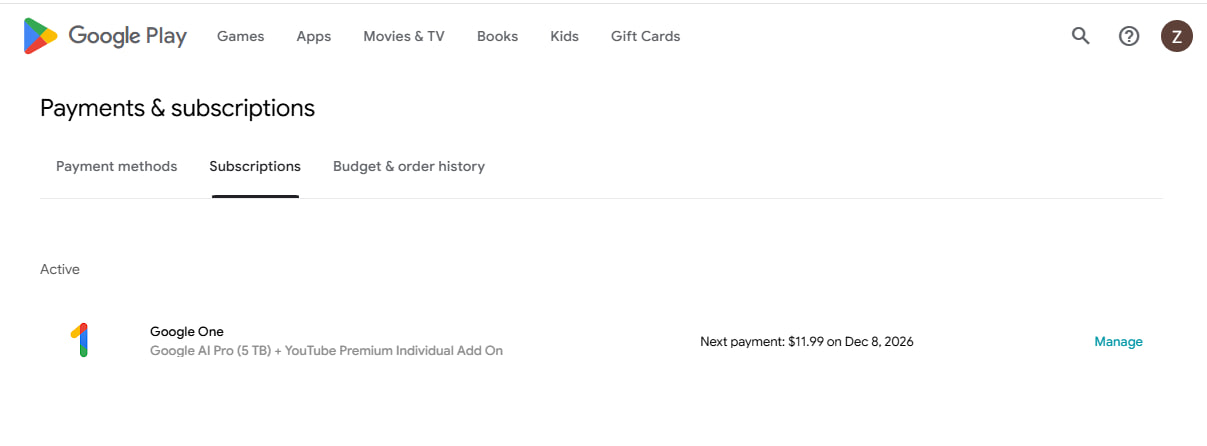
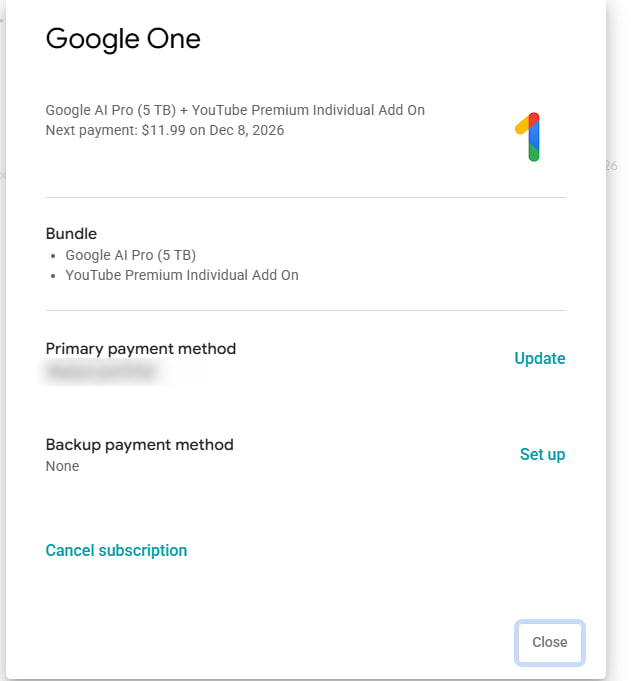
Open the subscription details and review the services included before choosing Cancel subscription.
The pictured Google One subscription includes both Google AI Pro and a YouTube Premium add-on. Dont forget to Cancelling the subscription to canncel YouTube Premium add-on. other wise they will charge YouTube Premium.